

Generador de Mapas Mentales-AI-powered mind mapping tool
AI-powered mind mapping for creative thinking.
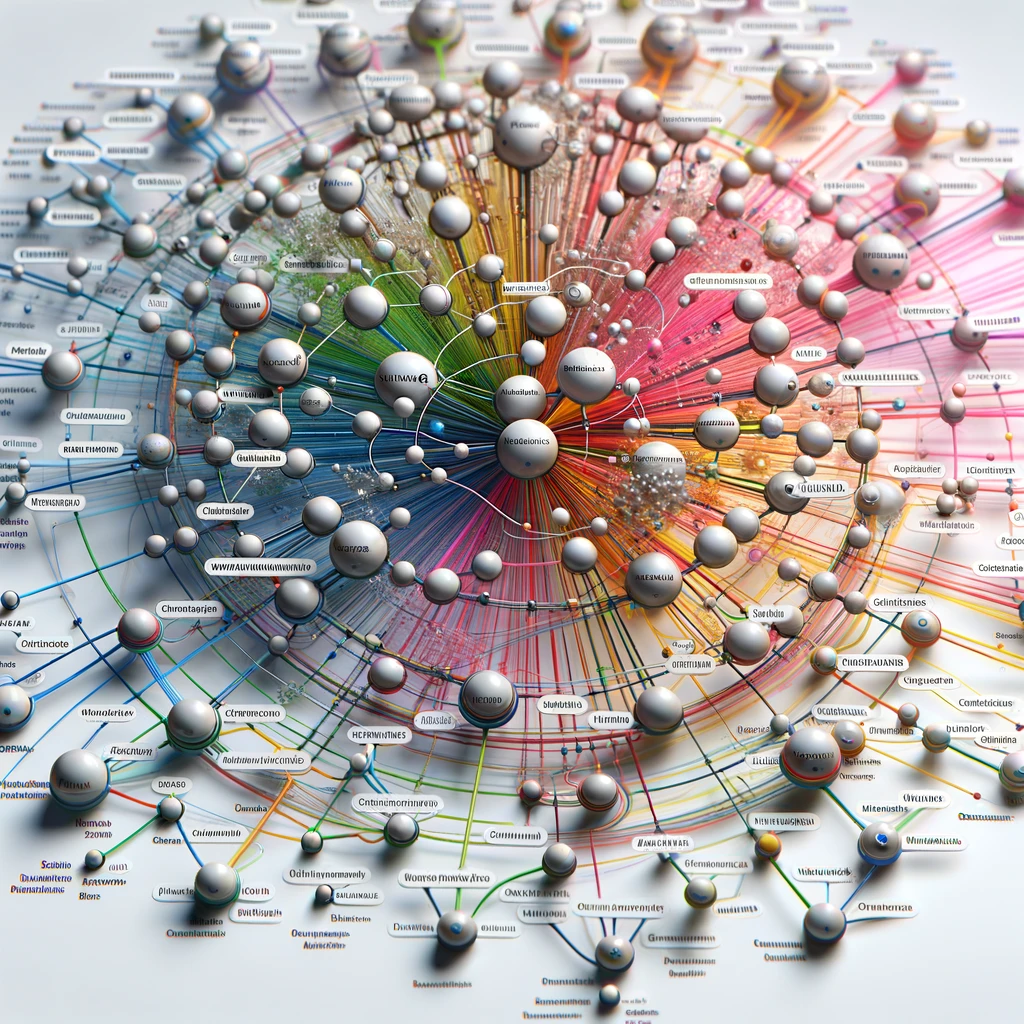
Creo mapas mentales detallados a partir de conceptos y documentación.
¿Cómo puedo ayudarte a crear un mapa mental hoy?
Dime tus ideas y crearé un mapa mental para ti.
Envíame la documentación que quieres incluir en tu mapa mental.
¿Tienes un tema específico en mente para tu mapa mental?
Get Embed Code
Related Tools

Mapas Conceptuales
creacion de mapas conceptuales mediante codigo markmap y mermaid

Xmind Mindmap Generator
Generates detailed mindmaps in Markdown for Xmind.

Flowchart | Diagrama de flujo | خريطة تدفق | 流程图
Auto flowchart your code and text | Automatizar el diagrama de flujo de tu código y texto" en español | قم بإنشاء مخطط تدفق تلقائي للكود والنص الخاص بك
Diagramas: Muéstrame
Cree diagramas, visualizaciones de arquitectura, diagramas de flujo, mapas mentales, esquemas y más. Ideal para codificación, presentaciones y documentación de códigos. ¡Exporta y edita tu diagrama gratis!
MAPAS CONCEPTUALES
Especialista en mapas conceptuales académicos y de negocios en DOT, responde siempre en español.
Mapas Mentales y Conceptuales
Experto en mapas conceptuales y mentales, y en creación de mapas en lenguaje DOT.
Introduction to GenerGenerador de Mapas Mentalesador de Mapas Mentales
Generador de Mapas Mentales is a specialized GPT designed to help users convert ideas, concepts, and structured information into clear, visually organized mind maps. Unlike general-purpose assistants, its primary intention is to focus on conceptual organization, hierarchy building, and the creation of mental frameworks. The system supports users in clarifying thinking, planning projects, and analyzing complex topics by visually mapping relationships. For example, a student studying biology can provide key terms like 'cell structure', and the assistant will organize them into branches such as 'nucleus', 'membrane', and 'organelles'. Similarly, a project manager outlining a new product launch can input components like 'timeline', 'resources', and 'stakeholders', and receive a structured map that shows how each part interconnects. The design centers on assisting users to think visually, offering structured clarity for planning, learning, and creative exploration.
Core Functions of Generador de Mapas Mentales
Structured Mind Map Generation
Example
A user provides the topic 'Digital Marketing Strategy', along with several subtopics. The system organizes them into a hierarchical map showing 'SEO', 'Content Marketing', 'Analytics', and 'Advertising', each with layered sub-branches.
Scenario
A marketing team preparing for a campaign kickoff uses the tool to visualize components of the strategy so team members understand their roles and how tasks interconnect.
Idea Clarification and Breakdown
Example
Someone planning a personal project—such as 'Learning Data Science'—provides a list of skills. The assistant breaks them into structured modules like 'Programming Foundations', 'Statistics', 'Machine LearningGenerador de Mapas Mentales', and 'Projects'.
Scenario
A self-learner struggling to understand how to begin their studies uses the tool to convert a large, intimidating goal into manageable parts, enabling clearer planning and execution.
Hierarchical Organization of Complex Topics
Example
A researcher working with the topic 'Climate Change Impacts' receives a map with branches such as 'Environmental Effects', 'Economic Consequences', 'Social Challenges', and 'Global Policy Responses'.
Scenario
An academic preparing a presentation uses the structured output to form lecture sections, ensuring logical flow and coverage of all critical aspects.
Ideal Users and Beneficiaries
Students and Educators
Students benefit by transforming dense study material into visually digestible structures that improve comprehension and memory retention. Educators use the tool to design lessons, organize curriculums, or present complex ideas in a simplified format for their audiences.
Professionals, Project Managers, and Creative Planners
Professionals across fields use the system to map strategies, workflows, or processes, enhancing clarity and communication. Project managers especially benefit from breaking down tasks and dependencies. Creative planners—such as writers or designers—use mind maps for brainstorming and concept development.
HowGenerador de Mapas Mentales to Use Generador de Mapas Mentales
Visit the website
Head to aichatonline.org to access the free trial of Generador de Mapas Mentales. You don’t need to log in or have a ChatGPT Plus subscription to start using the tool immediately.
Create a New Mind Map
Once on the website, select the option to create a new mind map. You can start with a blank canvas or use a template to guide your structure. The tool provides various design options to customize the map.
Add Ideas and Nodes
Click anywhere on the canvas to add your central idea (main topic). You can then branch out to sub-ideas or related concepts by adding child nodes. This can be done simply by clicking on the ‘+’ sign next to each node.
Organize and Customize
Organize your map by dragging and resizing nodes. The tool allows you to change colors, fonts, and even shapes of the nodes to reflect the different relationships or priority levels of the ideas.
Save and Export
Once your mind map is complete, you can save it directly to your account or export it in various formatsGenerador de Mapas Mentales Guide such as PNG, JPEG, or PDF. This makes it easy to share with others or incorporate into presentations.
Try other advanced and practical GPTs
Signals and Systems Tutor
AI-driven tutoring for signals & systems.
MQL5 Code Helper for MetaTrader 5 Expert Advisors
AI-Driven MQL5 Code Generator for MT5

Transcrever áudio em texto
AI-Powered Audio Transcription in Seconds

C4 Model Architect AI
AI-powered tool for system architecture modeling

Finance AI | Assistant for financial analysis
AI-powered financial insights for smarter decisions.

Tax Guru
AI-powered insights for complex tax scenarios.

SBInksandMore Creatives
AI-powered creativity at your fingertips.

Especialista em investimentos
AI-driven investment insights for smarter choices.

Vue Copilot
AI-powered assistance for efficient workflows.

NextJS Expert
AI-driven solutions for web and content tasks.
Furry Artist
AI-powered art creation at your fingertips

Custom Instructions
Tailor AI responses to fit your needs.

- Project Planning
- Brainstorming
- Research Planning
- Study Outlining
- Idea Organization
Frequently Asked Questions about Generador de Mapas Mentales
What is Generador de Mapas Mentales?
Generador de Mapas Mentales is an AI-powered mind mapping tool that helps users organize their thoughts, brainstorm ideas, and visually structure information. It is designed to be intuitive, with a simple interface that supports collaboration and creativity.
Do I need to log in to use the tool?
No, you can access the tool without logging in. The free trial allows full access to its features without requiring a ChatGPT Plus subscription or any registration.
Can I collaborate with others on my mind maps?
Yes, Generador de Mapas Mentales supports real-time collaboration. You can invite others to view or edit your mind maps, making it ideal for team brainstorming sessions, group projects, or educational purposes.
Can I use templates in Generador de Mapas Mentales?
Yes, the tool offers a variety of templates for different purposes, such as brainstorming, project planning, and study outlines. Templates make it easy to get started quickly without having to build a mind map from scratch.
Is Generador de Mapas Mentales suitable for academic use?
Absolutely. It’s an excellent tool for academic writing, research planning, note-taking, and idea organization. Students and educators can use it to break down complex topics into manageable, visual sections.